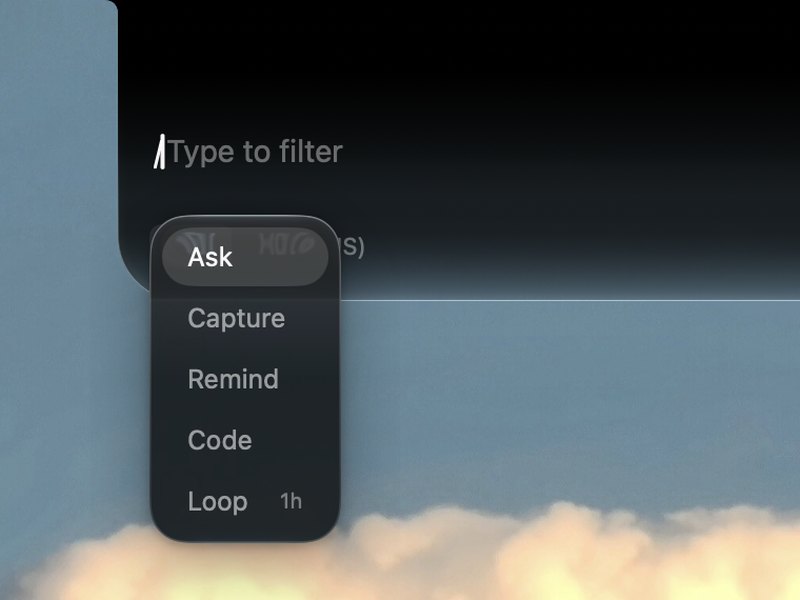
Notchi is a beautifully simple way to save a note, set a reminder, ask AI, or run a coding agent — right from your Mac's notch.
$ brew install --cask cyrus-cai/lofi-lab/notchi
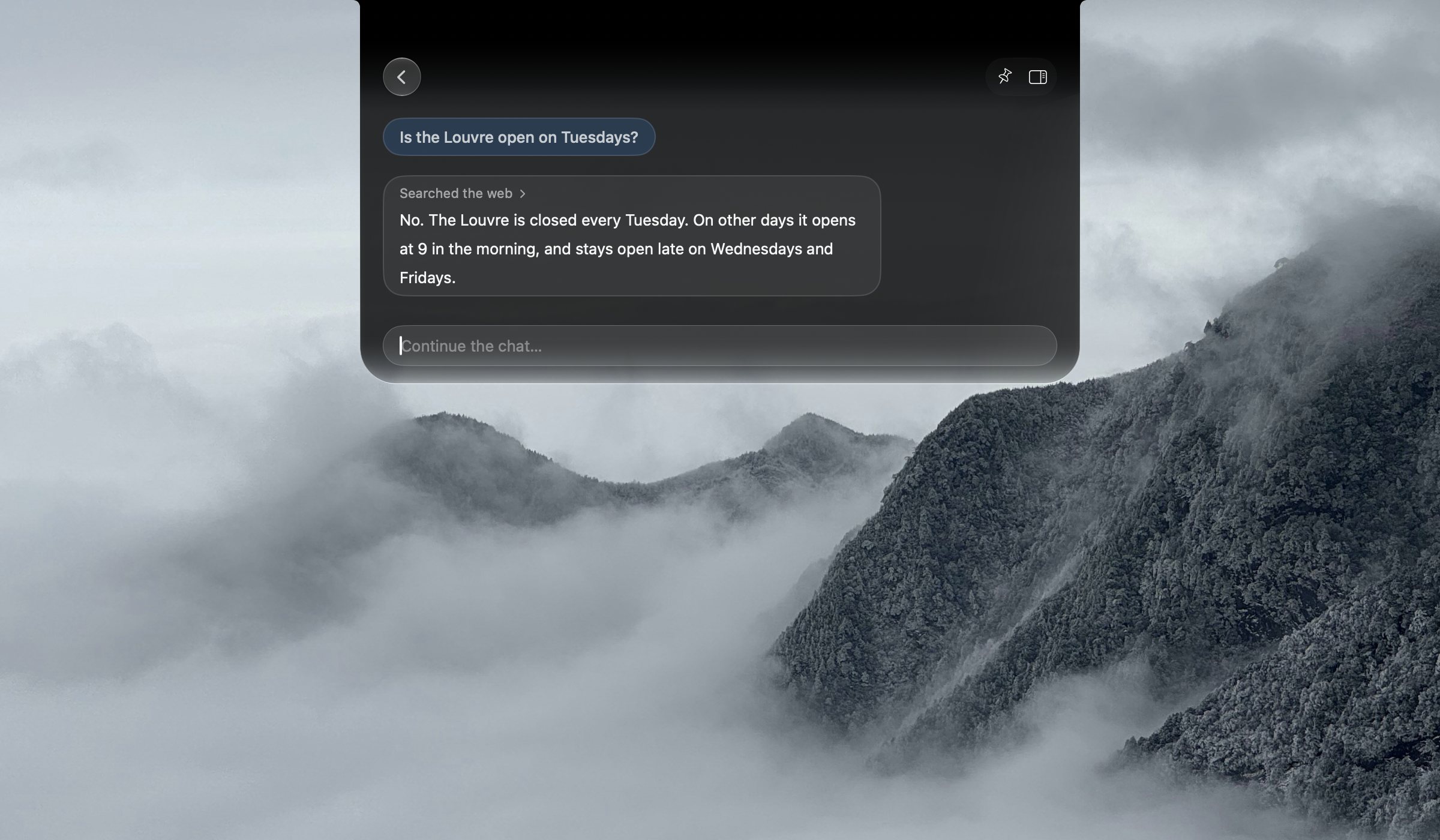
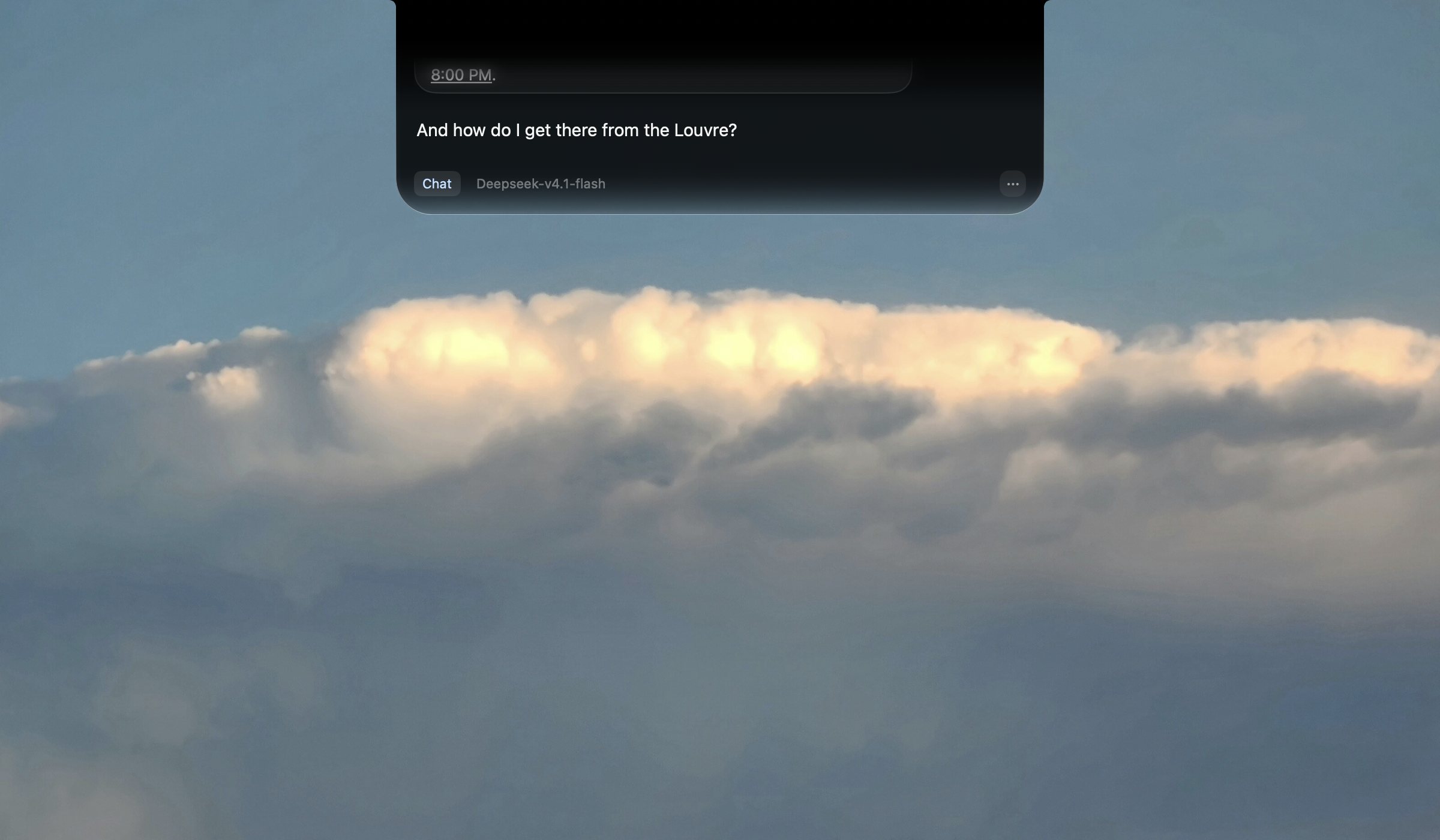
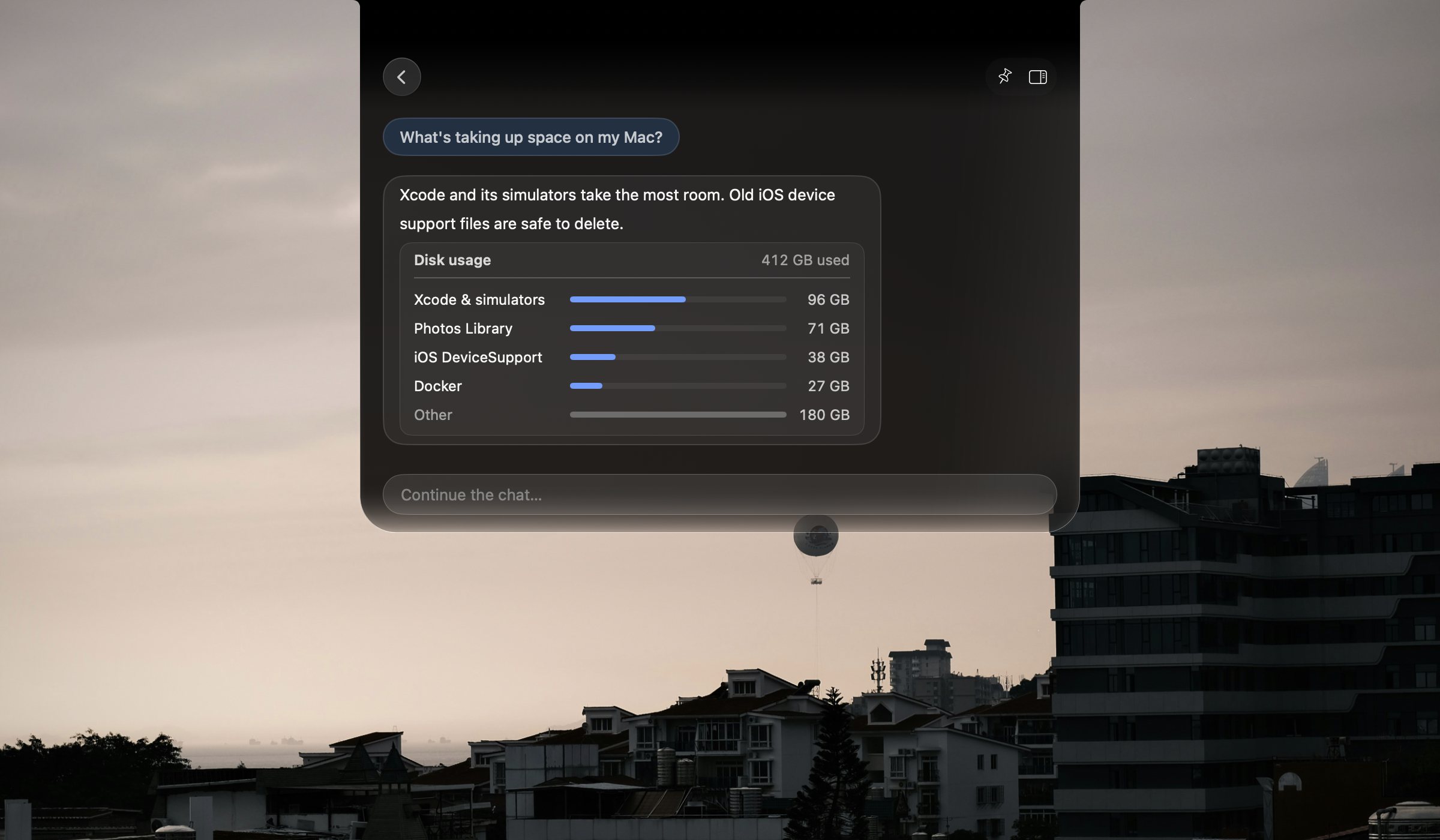
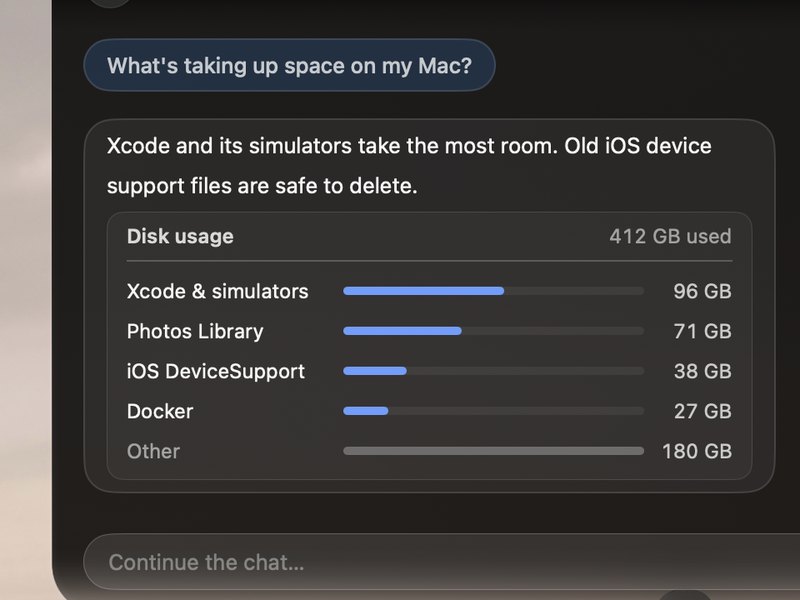
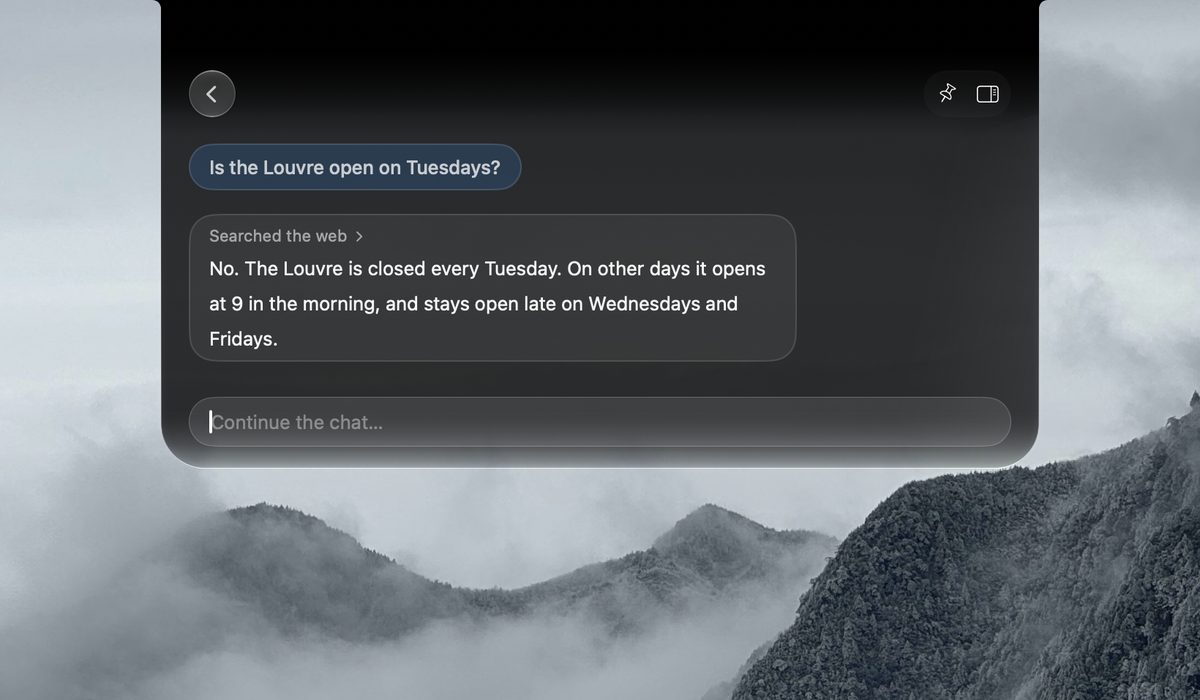
Type into the notch — answers use your own provider key.
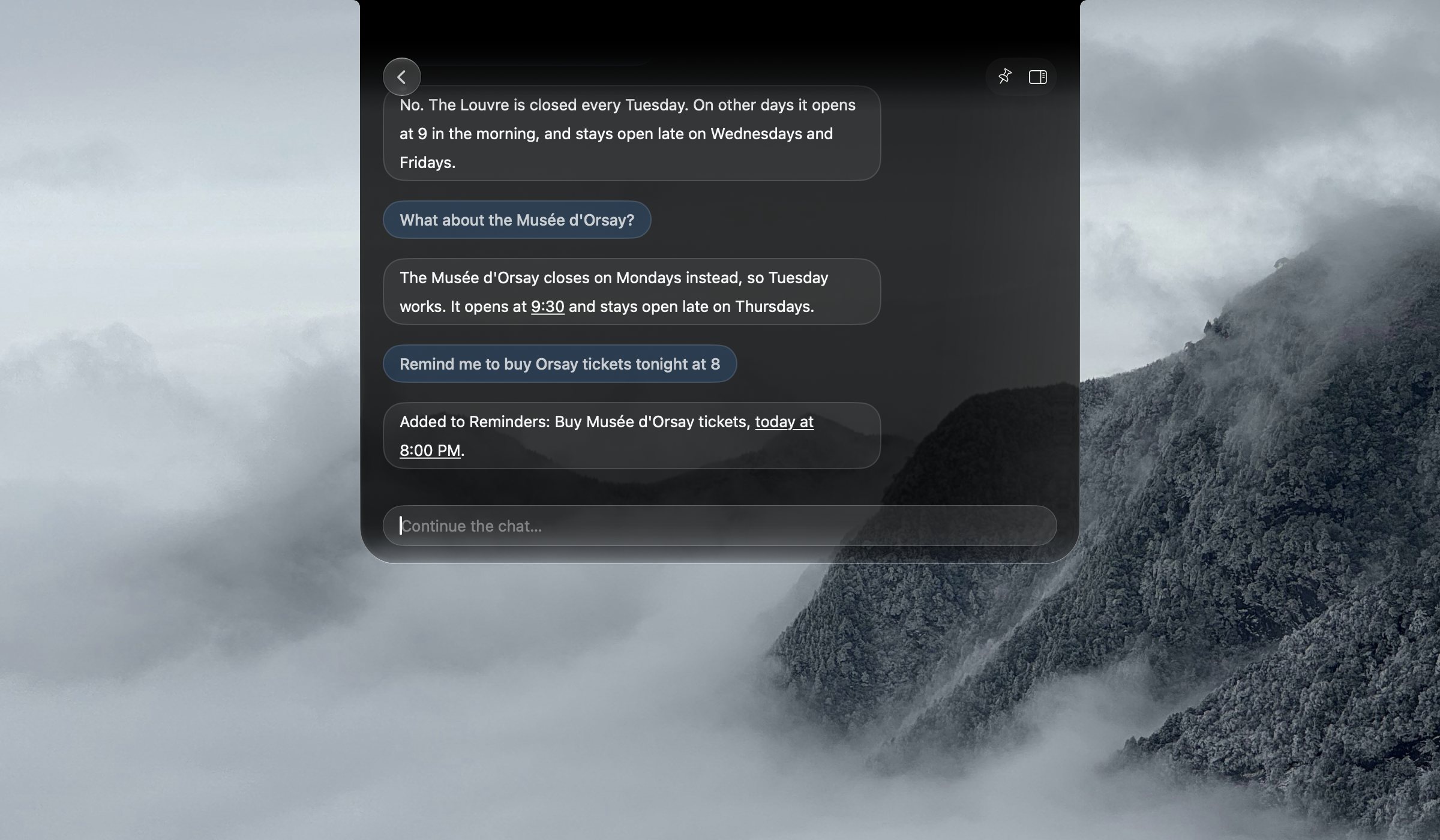
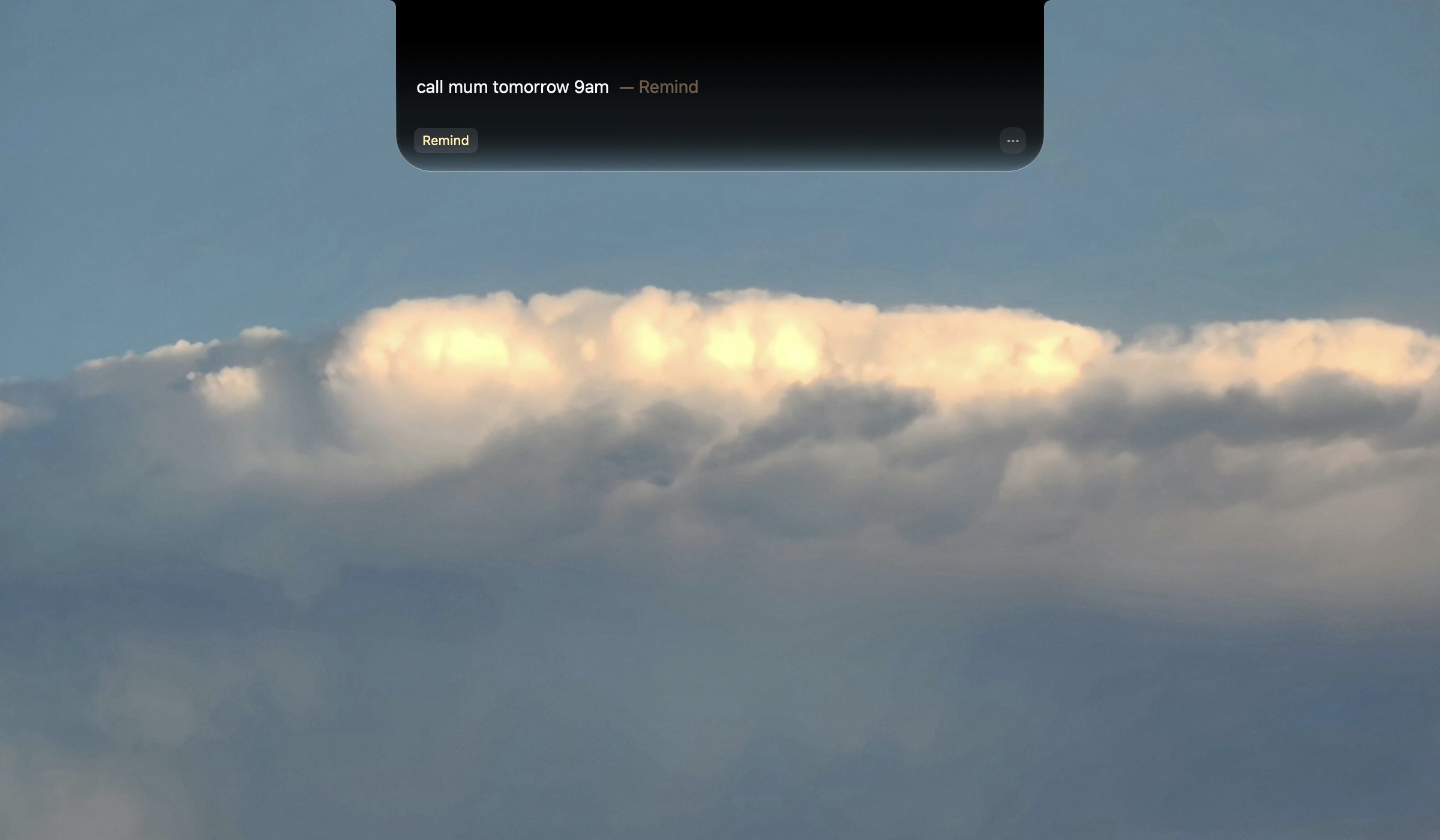
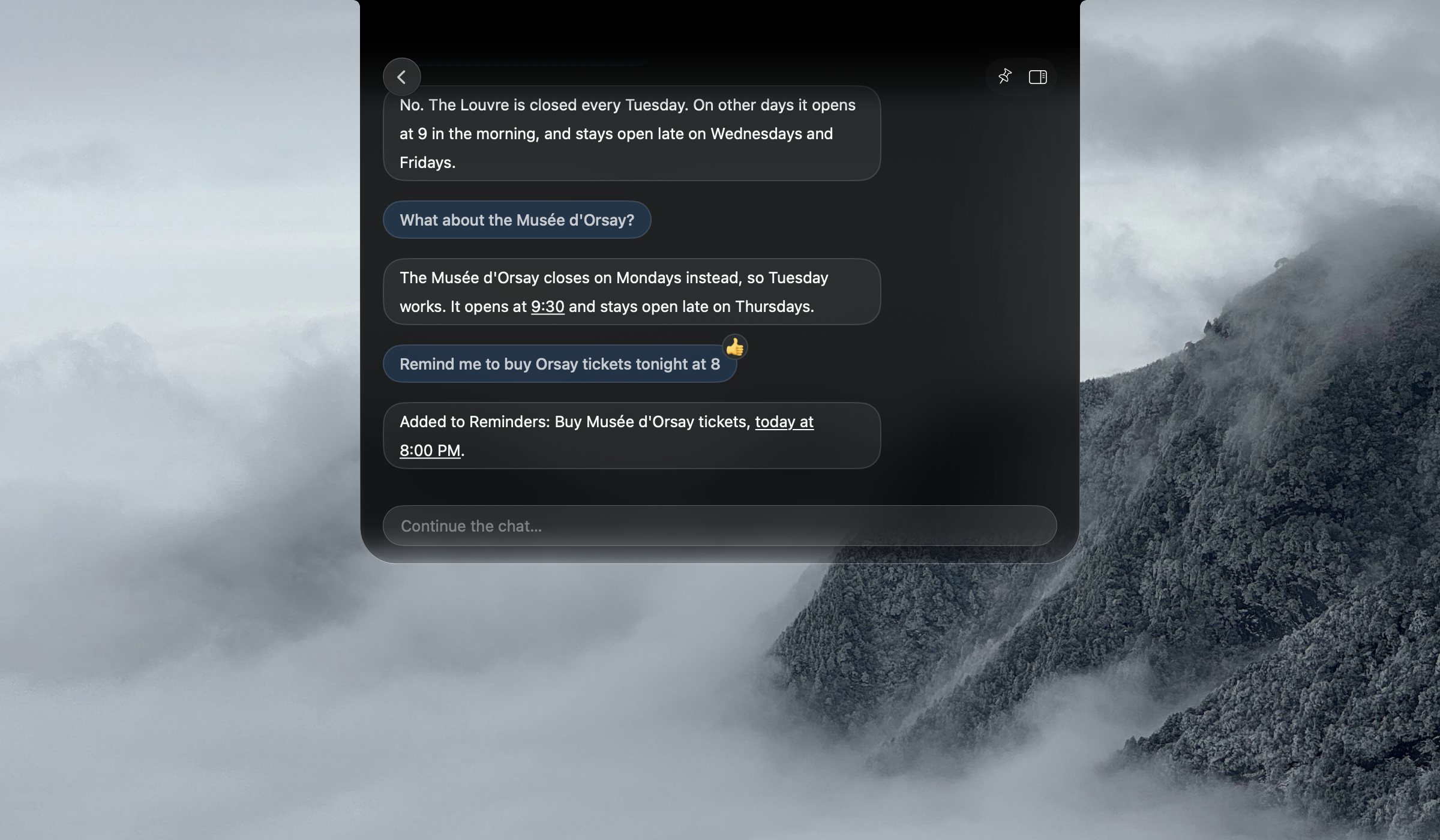
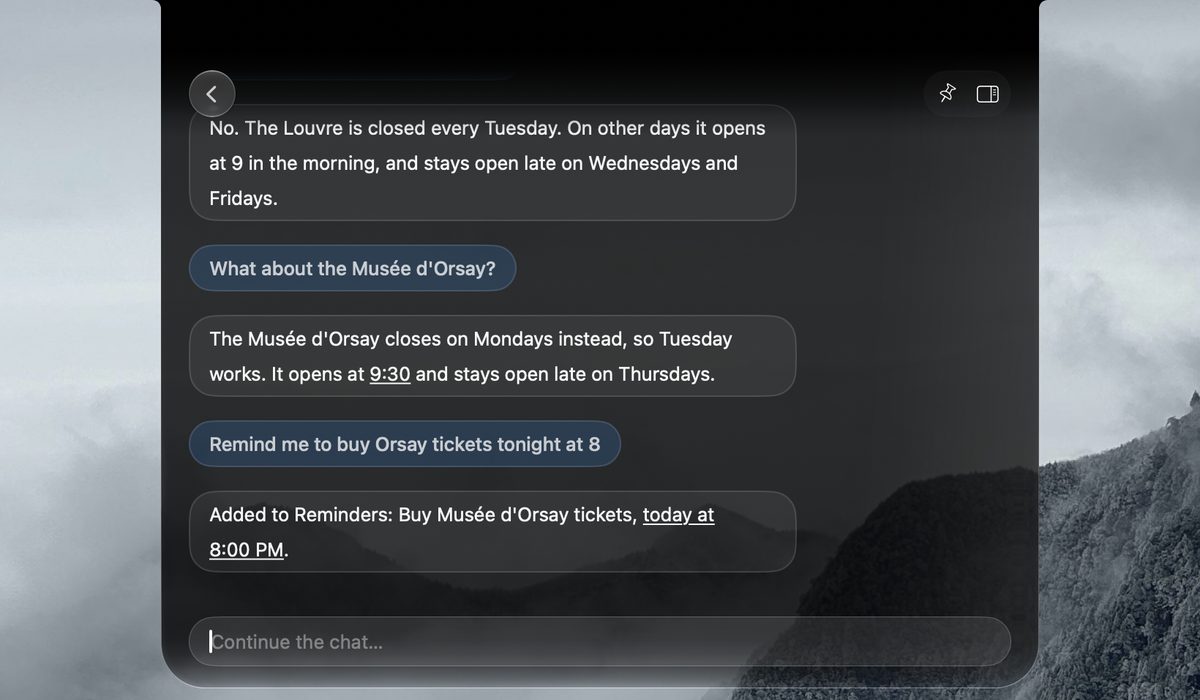
A line like “call mum tomorrow 9am” lands straight in Reminders; thoughts land in Notes.
Web answers with sources, questions about what you copied, exact math.
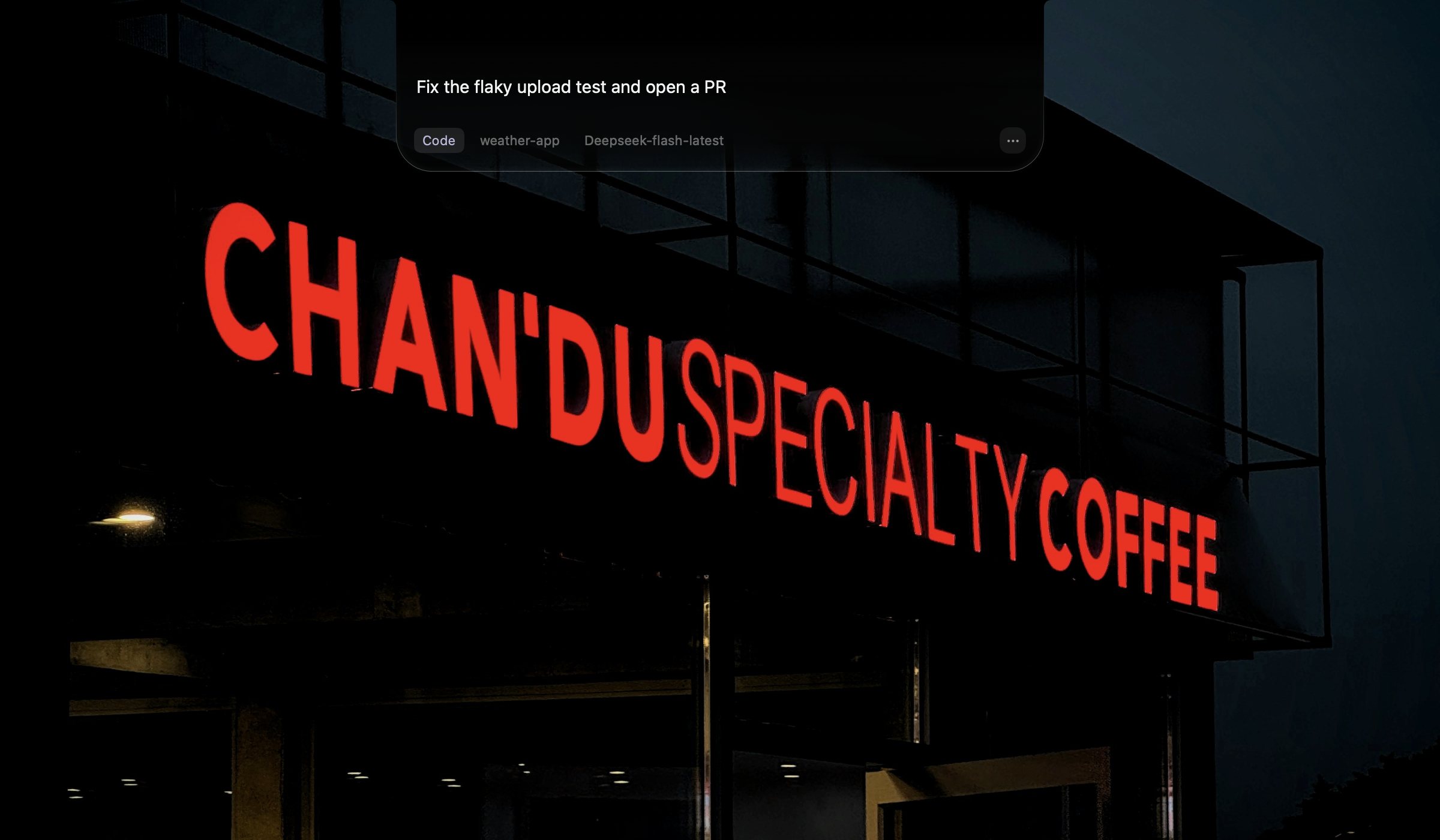
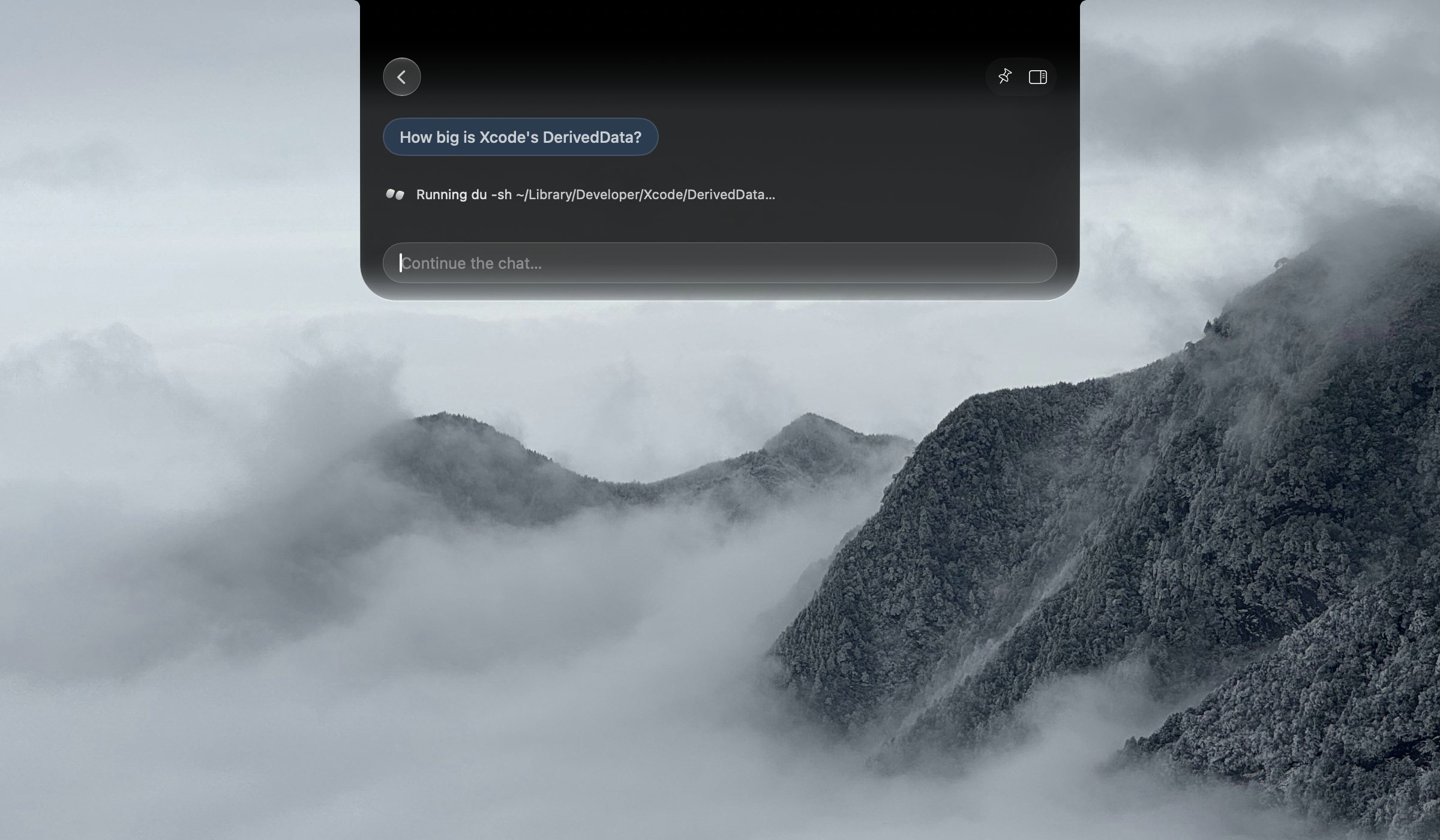
Point it at a project folder and watch the run from the closed notch.
Notchi is a beautifully simple way to save a note, set a reminder, ask AI, or run a coding agent — right from your Mac's notch.
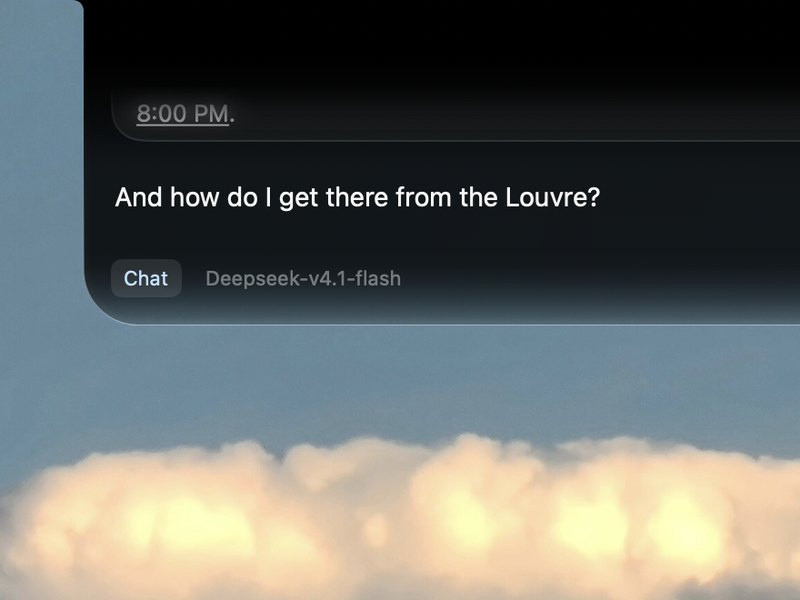
Type the thought the way it arrived — half-formed is fine. Notchi reads it and routes it: a question to AI, a note to keep, or a reminder with a time.
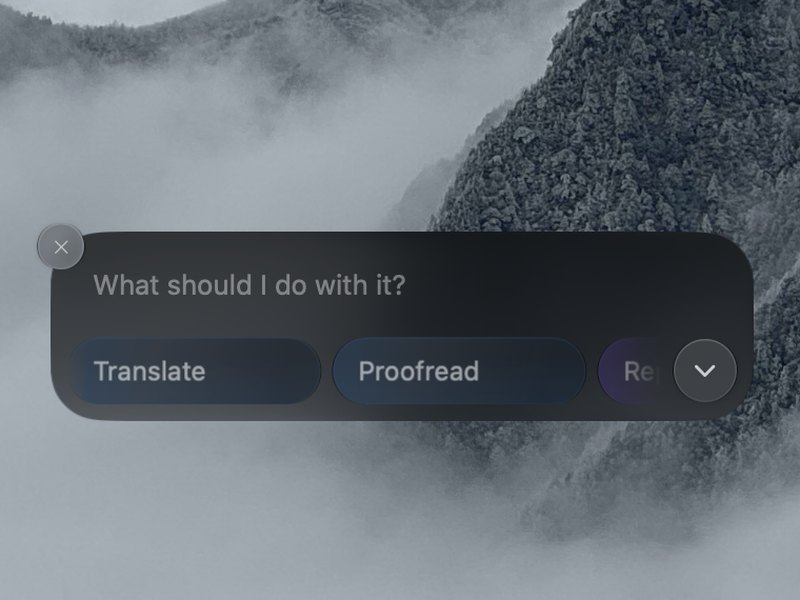
Questions can pull in the live web, see the screenshot you just copied, and run real arithmetic. Even copying can file things away — no typing at all.
Point it at a project folder and describe the job. Notchi runs it in the background on your own Codex or Claude CLI — the closed notch shows the live step and elapsed time, and a notification lands when it's done.
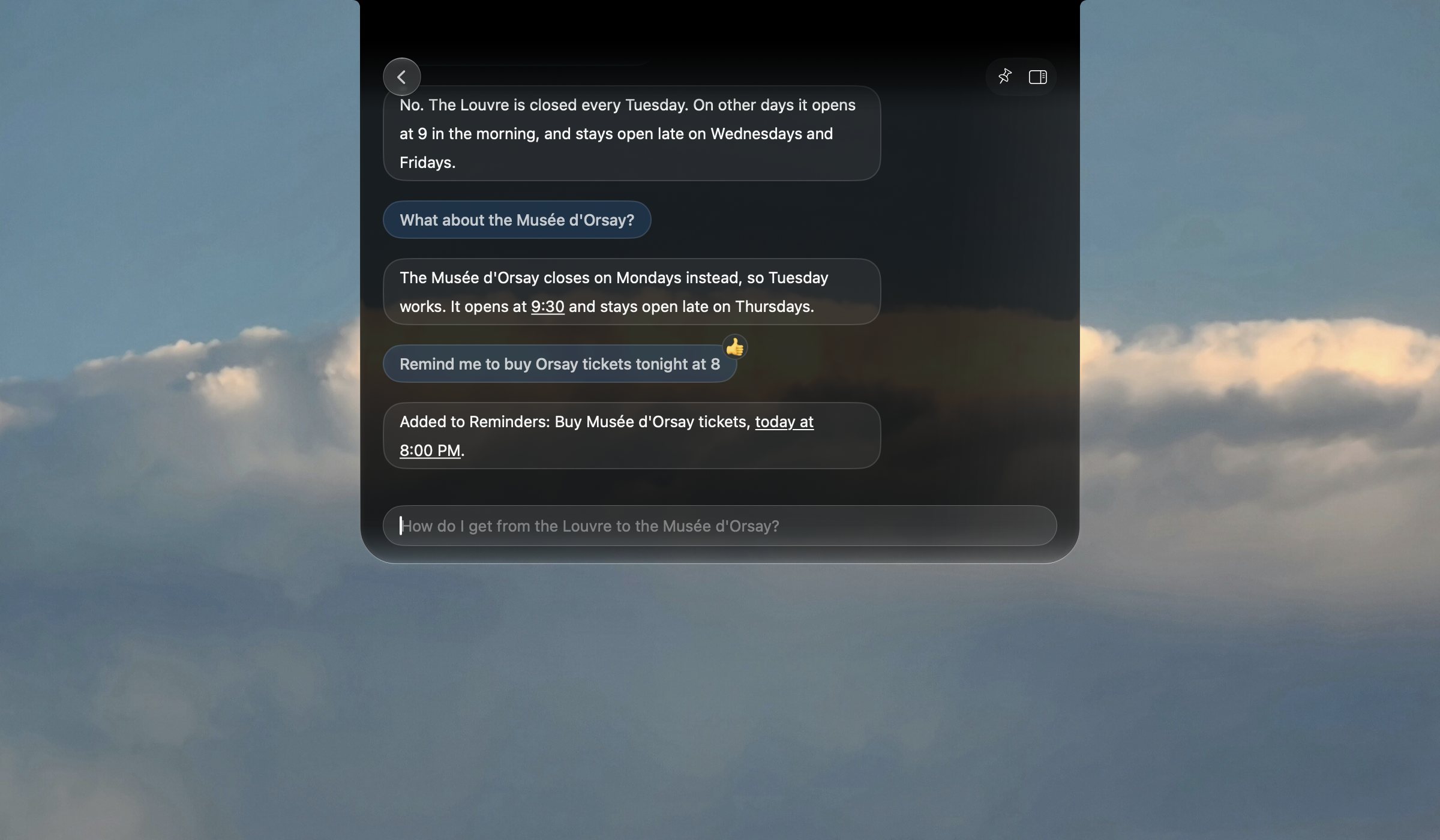
Notchi is drawn in the same Liquid Glass material as the rest of macOS — same blur, same edge light, same spring — so it feels like part of the system, not something stuck on top.
Sorting happens on your Mac. Then your question goes to the provider you picked, signed with your own key — or start free with OpenRouter's one-click connect.
Nothing to sign up for. Install it and start typing.
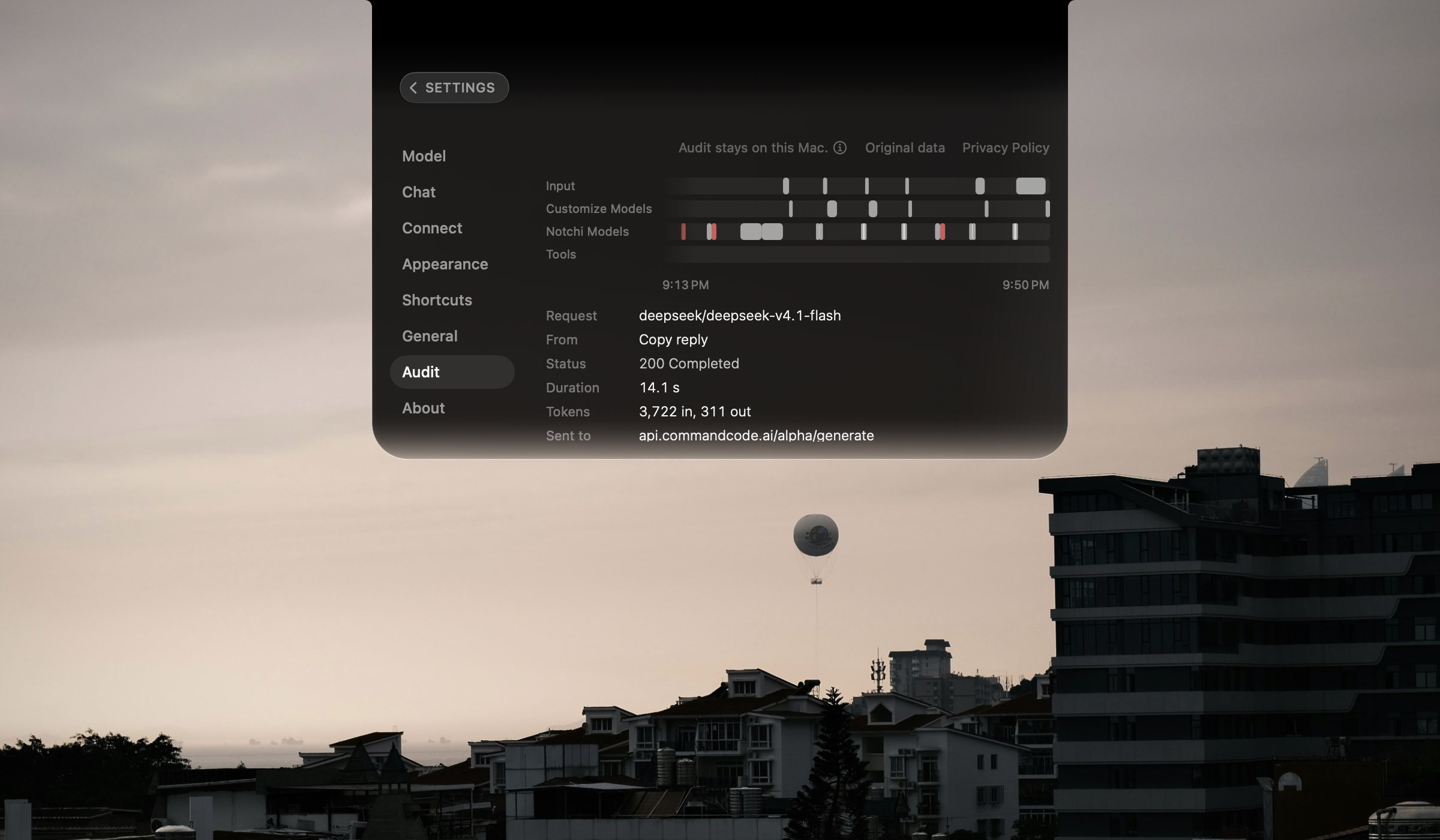
Questions go straight to your provider — nothing passes through our servers.
Every line is public on GitHub.
One small app, drawn in the system's own Liquid Glass.